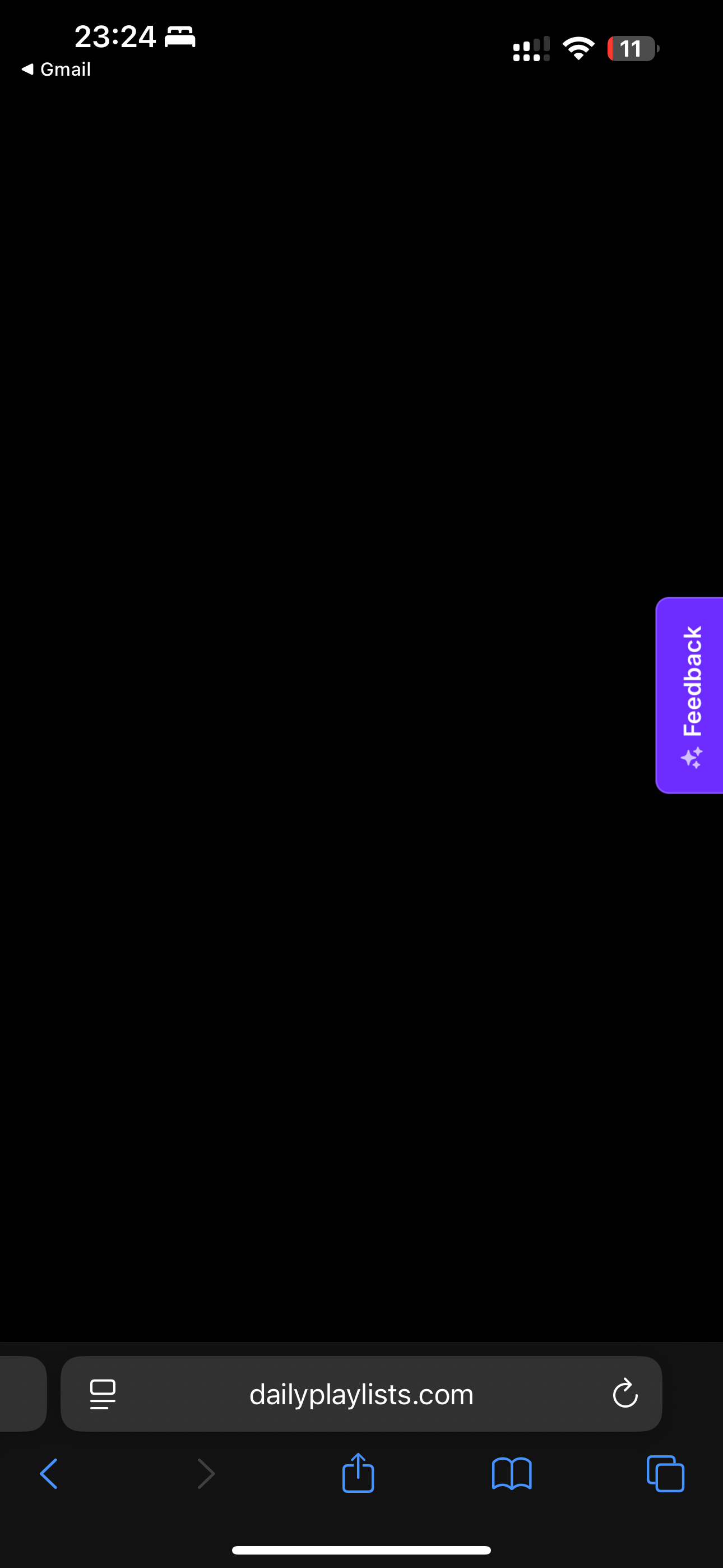
If I try to look at my ratings on a specific track, I get a black screen. This happens on PC and on mobile, but only for my track that has more ratings.
I did try it on my desktop as well, same issue. Tried the browser cache refresh as well. This is on PC:
DP Team
Team•
Sep 12, 2025
Hi iamsaari,
To help us troubleshoot, could you please provide a few more details? Specifically, could you tell us:
What device and operating system are you using (e.g., iPhone 14 with iOS 17, Windows 11 PC)?Which browser are you using on your PC? Is it only happening on the ratings tab?
To get your link simply: 1. Go to your Spotify account. 2. Click on your profile picture. 3. Select 'Profile'. 4. Click on the three dots (...) below your picture. 5. Choose 'Copy profile link'.
All the best, DP Team
iamsaari
•
Sep 12, 2025
Sure! It happens on my PC (Windows 11 Home 24H2, OS Build:
26100.6584) in both Google Chrome and ARC browser. It also happen on my iPhone (14, IOS 18.6.2), in Safari. So it doesn’t look like it’s tied to a device or browser necessarily.
I replicated the error for you in Chrome, with the search console open, so you can see what logs are coming through in the screenshot.
It’s interesting, it only happens when I go Dashboard → Professional → Open my “Karma - La La La” project, and then click the ratings tab. Clicking the recommendations and submission history tabs is fine, but ratings will turn the whole screen black. And then, even if I hit back (it’s mapped to my mouse since I can’t see it), it doesn’t revert until I actually reload the page, it appears.
Thanks! I appreciate you guys looking into it, hopefully this is enough info.
DP Team
Team•
Sep 15, 2025
Hi iamsaari,
Thank you for providing all the details, we re escalating it to the support team to see what is the issue.
We will keep you posted
All the best,
DP Team
DP Team
Team•
Sep 15, 2025
Hi iamsaari,
Can you send the spotify user link please? For that follow these steps:
1. Go to your Spotify account. 2. Click on your profile picture. 3. Select 'Profile'. 4. Click on the three dots (...) below your picture. 5. Choose 'Copy profile link'.
iamsaari
•
Sep 10, 2025
Hello, thanks for the response. Went ahead and did that, still having the same problem thought. Thanks!
DP Team
Team•
Sep 11, 2025
Hi iamsaari,
Did you try to do it on the desktop? Let’s see if the issue is coming from your phone.
Thank you,
DP Team
DP Team
Team•
Sep 10, 2025
Hi iamsaari,
Thanks for reaching out!
Could you please try performing a hard refresh on your browser to see if that resolves? Sometimes this can help with temporary caching problems.
Log in to comment and vote
Comments8
iamsaari
Sep 11, 2025
Hello,
I did try it on my desktop as well, same issue. Tried the browser cache refresh as well. This is on PC:
DP Team
Sep 12, 2025
Hi iamsaari,
To help us troubleshoot, could you please provide a few more details? Specifically, could you tell us:
What device and operating system are you using (e.g., iPhone 14 with iOS 17, Windows 11 PC)?Which browser are you using on your PC? Is it only happening on the ratings tab?
Could you please share a screenshot of the browser search console? Here's a step-by-step guide https://balsamiq.com/support/faqs/browserconsole/#:~:text=To%20open%20the%20developer%20console,(on%20Windows%2FLinux).
Please provide your Spotify User Link and email address:
To get your link simply:
1. Go to your Spotify account.
2. Click on your profile picture.
3. Select 'Profile'.
4. Click on the three dots (...) below your picture.
5. Choose 'Copy profile link'.
All the best,
DP Team
iamsaari
Sep 12, 2025
Sure! It happens on my PC (Windows 11 Home 24H2, OS Build:
26100.6584) in both Google Chrome and ARC browser. It also happen on my iPhone (14, IOS 18.6.2), in Safari. So it doesn’t look like it’s tied to a device or browser necessarily.
I replicated the error for you in Chrome, with the search console open, so you can see what logs are coming through in the screenshot.
It’s interesting, it only happens when I go Dashboard → Professional → Open my “Karma - La La La” project, and then click the ratings tab. Clicking the recommendations and submission history tabs is fine, but ratings will turn the whole screen black. And then, even if I hit back (it’s mapped to my mouse since I can’t see it), it doesn’t revert until I actually reload the page, it appears.
The email is admin@iamsaari.com and the Spotify is
https://open.spotify.com/artist/319gIJF96XEV6ZGer32VoR. If you email me, I can send you a screen recording as well and maybe that will be of some use, if there errors aren’t enought.
Thanks! I appreciate you guys looking into it, hopefully this is enough info.
DP Team
Sep 15, 2025
Hi iamsaari,
Thank you for providing all the details, we re escalating it to the support team to see what is the issue.
We will keep you posted
All the best,
DP Team
DP Team
Sep 15, 2025
Hi iamsaari,
Can you send the spotify user link please? For that follow these steps:
1. Go to your Spotify account.
2. Click on your profile picture.
3. Select 'Profile'.
4. Click on the three dots (...) below your picture.
5. Choose 'Copy profile link'.
iamsaari
Sep 10, 2025
Hello, thanks for the response. Went ahead and did that, still having the same problem thought. Thanks!
DP Team
Sep 11, 2025
Hi iamsaari,
Did you try to do it on the desktop? Let’s see if the issue is coming from your phone.
Thank you,
DP Team
DP Team
Sep 10, 2025
Hi iamsaari,
Thanks for reaching out!
Could you please try performing a hard refresh on your browser to see if that resolves? Sometimes this can help with temporary caching problems.
To do a hard refresh, you can usually press Ctrl+Shift+R (on Windows/Linux) or Cmd+Shift+R (on Mac). Here's also a resource to help you: https://fabricdigital.co.nz/blog/how-to-hard-refresh-your-browser-and-clear-cache
Please let me know if the issue is solved. If not, I'll be happy to look into this further for you.
All the best,
DP Team